
Rental Property Tracker
-
Track each property separately, side by side.
A single combined number hides which property is doing well and which one needs attention. -
Flag deductible expenses as they happen.
Sorting this out at tax time means guessing which receipt from eight months ago was actually deductible. -
Keep tenant and lease details in one place.
Who's renting, when the lease ends, and what the current status is — scattered across texts and a filing cabinet is how renewals get missed.
Rental Property Tracker FAQ's
Yes — that's the core of it. Add a new row for each property in Property Setup, and everything else (income, expenses, tenants, maintenance) filters by property automatically.
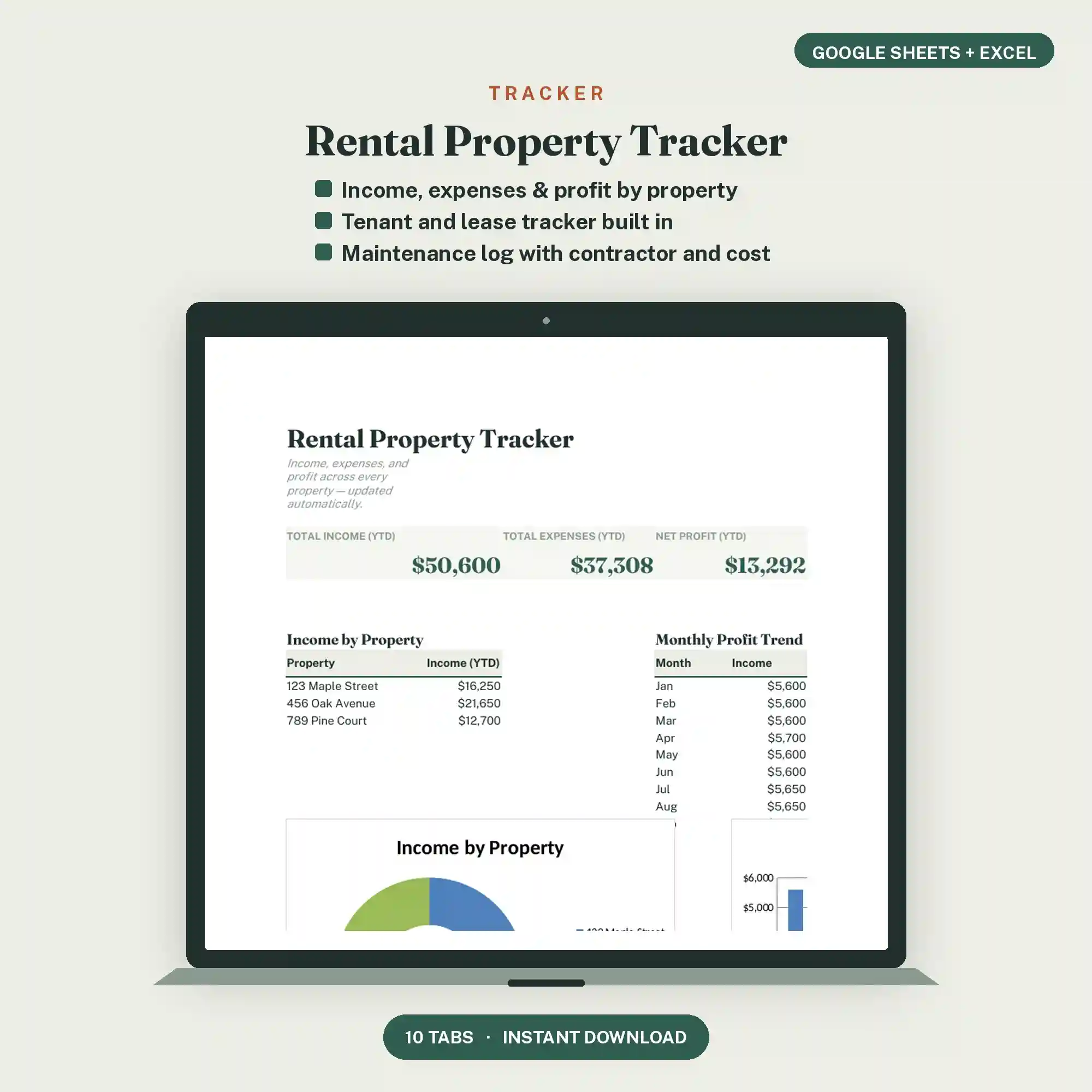
Yes. The Dashboard shows income minus expenses per property, plus a combined total across everything you own.
Yes. List each unit as its own row in Property Setup — the tracker doesn't require units to be separate buildings.
Deposits received and returned are tracked in the Tenant Tracker tab, separate from monthly rent income, so they don't get counted as regular revenue.
Yes. The Expense Log has a deductible flag on every entry, so nothing needs to be reconstructed later at tax time.
Leave its rows in place and stop logging new entries after the sale date — its historical income and expenses stay intact without affecting future data.