
Car Buying Comparison Calculator
Compare up to three cars side by side — price, payment, and total cost — so you know which one actually costs less before you sign anything.
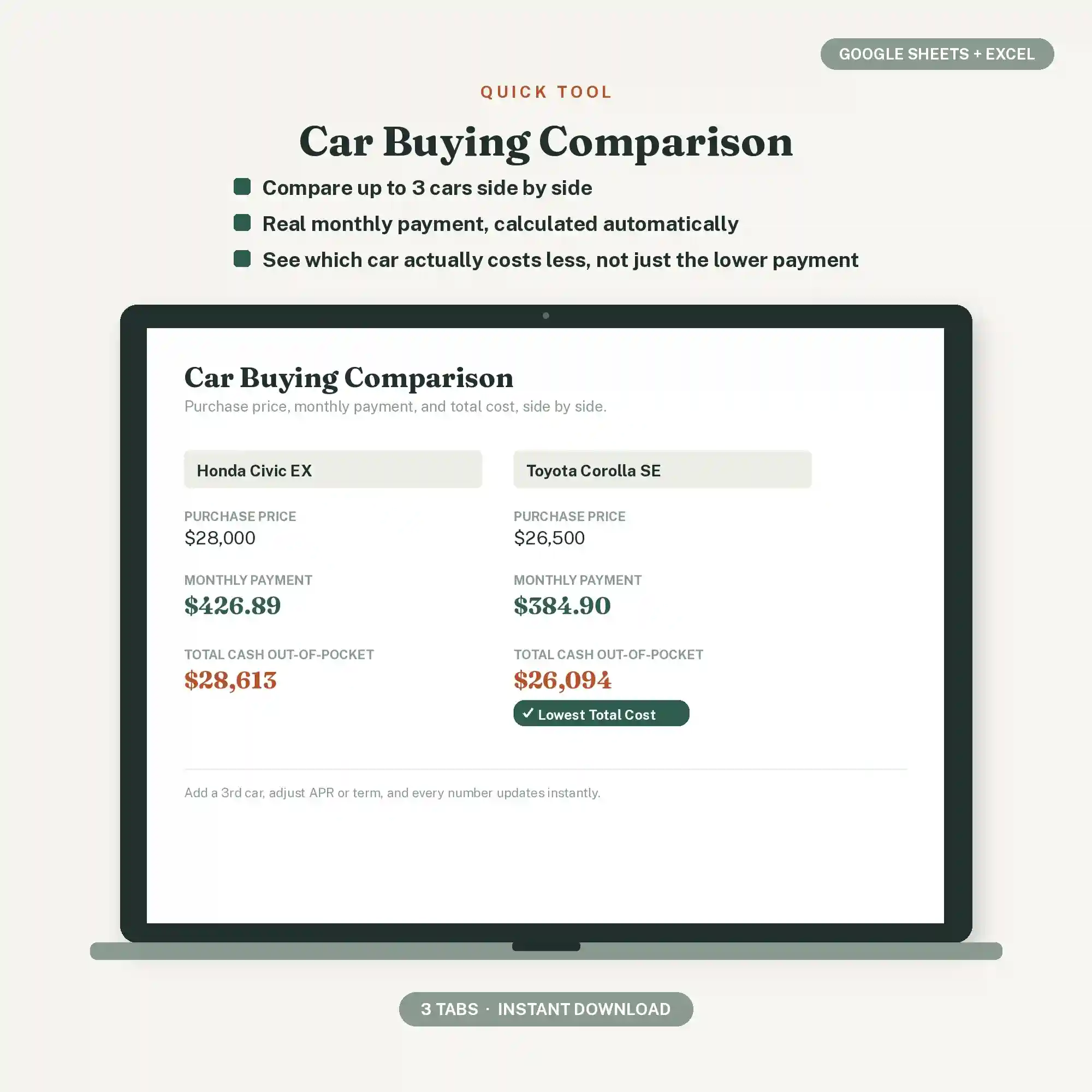
Car shopping usually comes down to comparing monthly payments, because that's the number dealers lead with. But two cars with the same monthly payment can cost very different amounts overall once you factor in the loan term, interest rate, trade-in value, and sales tax. Without running the real numbers side by side, it's easy to pick the "cheaper" car on paper and pay more for it in the end.
-
Compare total cost, not just the payment.
A longer loan term can lower the monthly number while raising what you pay overall. -
Factor in trade-in and tax before comparing.
Two listed prices that look close can end up far apart once these are added in. -
Put every option side by side, in one place.
Comparing cars from memory, or across browser tabs, makes it easy to miss the actual cheaper deal.
Enter each car's price, down payment, trade-in, loan term, and rate — the sheet calculates the real monthly payment and total cost for each one, and flags whichever option costs less overall.
Car Buying Comparison Calculator FAQ's
It calculates the actual payment using standard loan math — the same formula lenders use — based on the price, trade-in, down payment, term, and rate you enter.
Yes, up to three at once, side by side.
Yes. Enter your local tax rate once and it's factored into the total cost for every car automatically.
Leave the loan fields blank — the sheet still totals price, tax, and trade-in for a straight cash comparison.
No. You only enter numbers into the highlighted blue cells — everything else calculates on its own.