
How to Plan Your Life Around a Night Shift or Rotating Schedule
Every planner, app, and calendar on the market assumes you work Monday through Friday, 9 to 5 — here's what actually works when you don't.
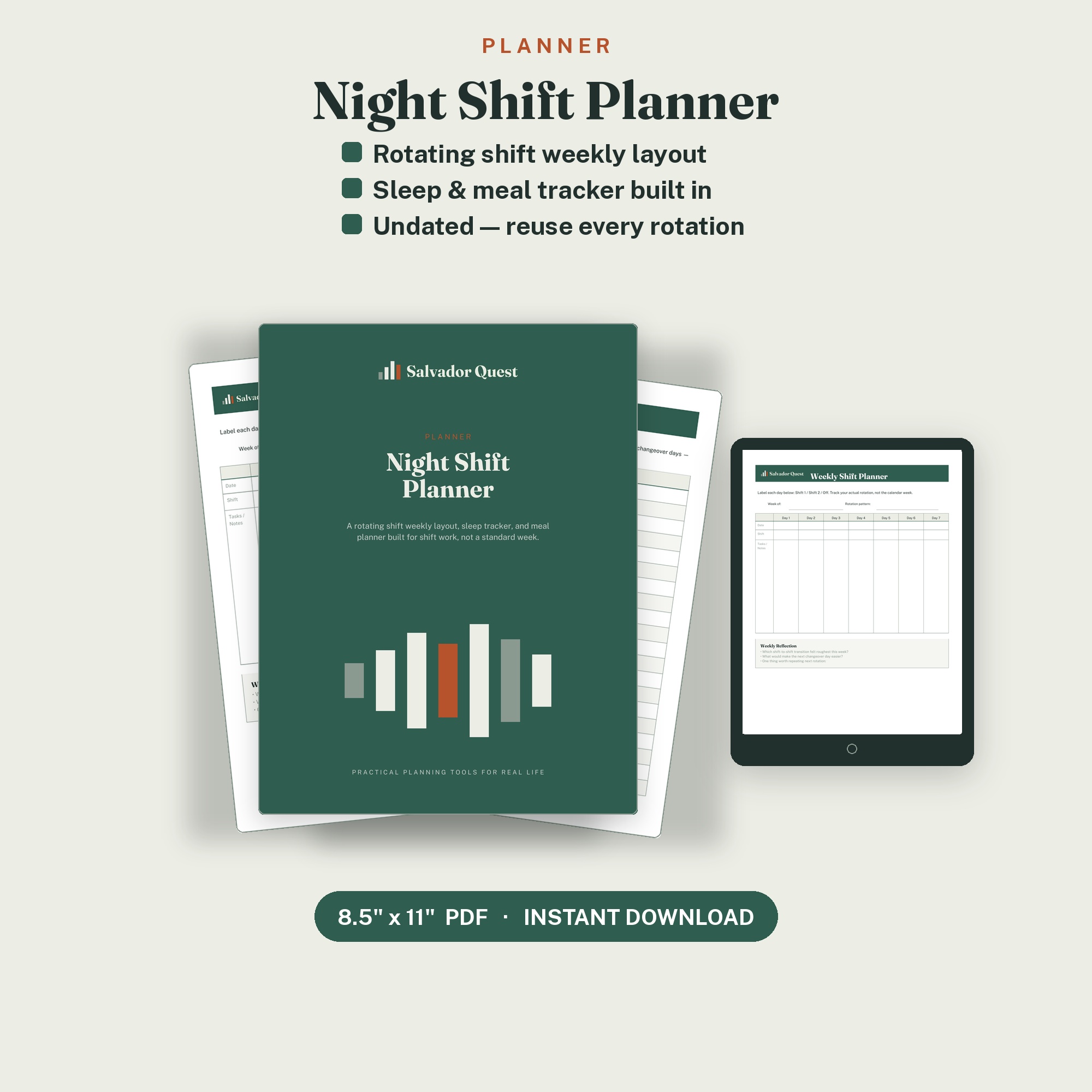
If you work nights, rotating shifts, or 12-hour blocks, you already know the problem: every planner, app, and calendar on the market assumes you work Monday through Friday, 9 to 5. That mismatch makes it harder to track sleep, plan meals, or even remember which day it is.
-
Track your shift pattern, not the calendar week.
Label your days as Shift 1 / Shift 2 / Off instead of forcing them into Mon–Sun. -
Log your sleep, not just your schedule.
Time slept, sleep quality, and wake mood tell you more about how you're adjusting than your shift pattern alone. -
Plan meals around your shift, not the clock.
"Breakfast" and "dinner" stop meaning much when you're eating at 2am, plan around pre-shift, mid-shift, and post-shift instead.
We built a planner specifically for this...
A rotating shift weekly layout, sleep tracker,
and shift-based meal planner in one undated printable.
A rotating shift weekly layout, sleep tracker,
and shift-based meal planner in one undated printable.
Frequently Asked Questions about Night Shift Planning
A planner built around your actual shift pattern works better than a standard weekly planner. Look for one that lets you label days by shift type instead of forcing a Monday through Sunday grid onto a rotating schedule.
Log hours slept, sleep quality, and the shift type that came before it. Pay close attention to changeover days, since these usually produce the worst sleep and are the easiest pattern to miss without tracking.
You can, but most weekly layouts assume a fixed Monday through Friday routine. A planner built for rotating shifts saves you from adapting a format that wasn't designed for your schedule.